~/BLOG / NOTES FROM THE TERMINAL
My New Minimal Neovim Configuration (Part 2)
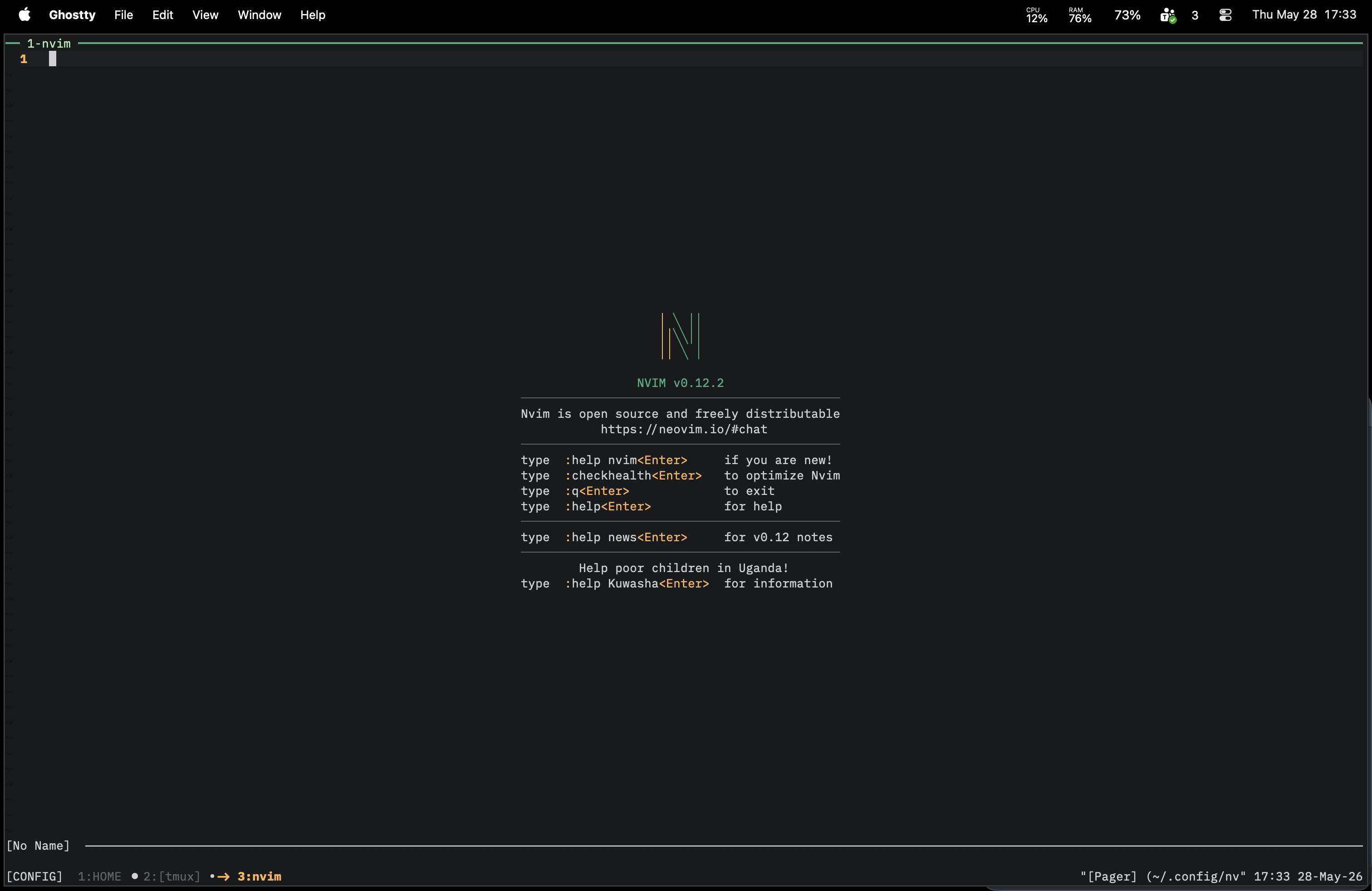
A while ago I wrote about my minimal Neovim configuration. At that time, the idea was to keep the editor small by using only a few plugins and relying heavily on mini.nvim.
My setup changed again, and now it is even simpler.
This version is basically Neovim itself, a tiny amount of Lua, and only the plugins I really want to keep around every day.
The Main Idea
The goal of this configuration is simple: use as much built-in Neovim as possible.
Neovim has improved a lot. Today I can get a very good editor experience without adding many dependencies, and without splitting the configuration into too many moving parts.
So the new config focuses on:
- Built-in features first: LSP, completion, snippets, terminal, quickfix,
:find,:grep, and netrw do most of the work. - Very few plugins: only add a plugin when it gives me something Neovim itself does not already cover well.
- Small Lua files: options, keymaps, autocommands, LSP setup, and plugin setup stay easy to read.
- Personal workflow: the config is made for how I code, not for every possible use case.
Plugins
The active setup is very small:
- nvim-treesitter: better syntax highlighting and indentation for the languages I use.
- vim-fugitive: Git integration that is still hard to replace.
That is it for the core plugin list.
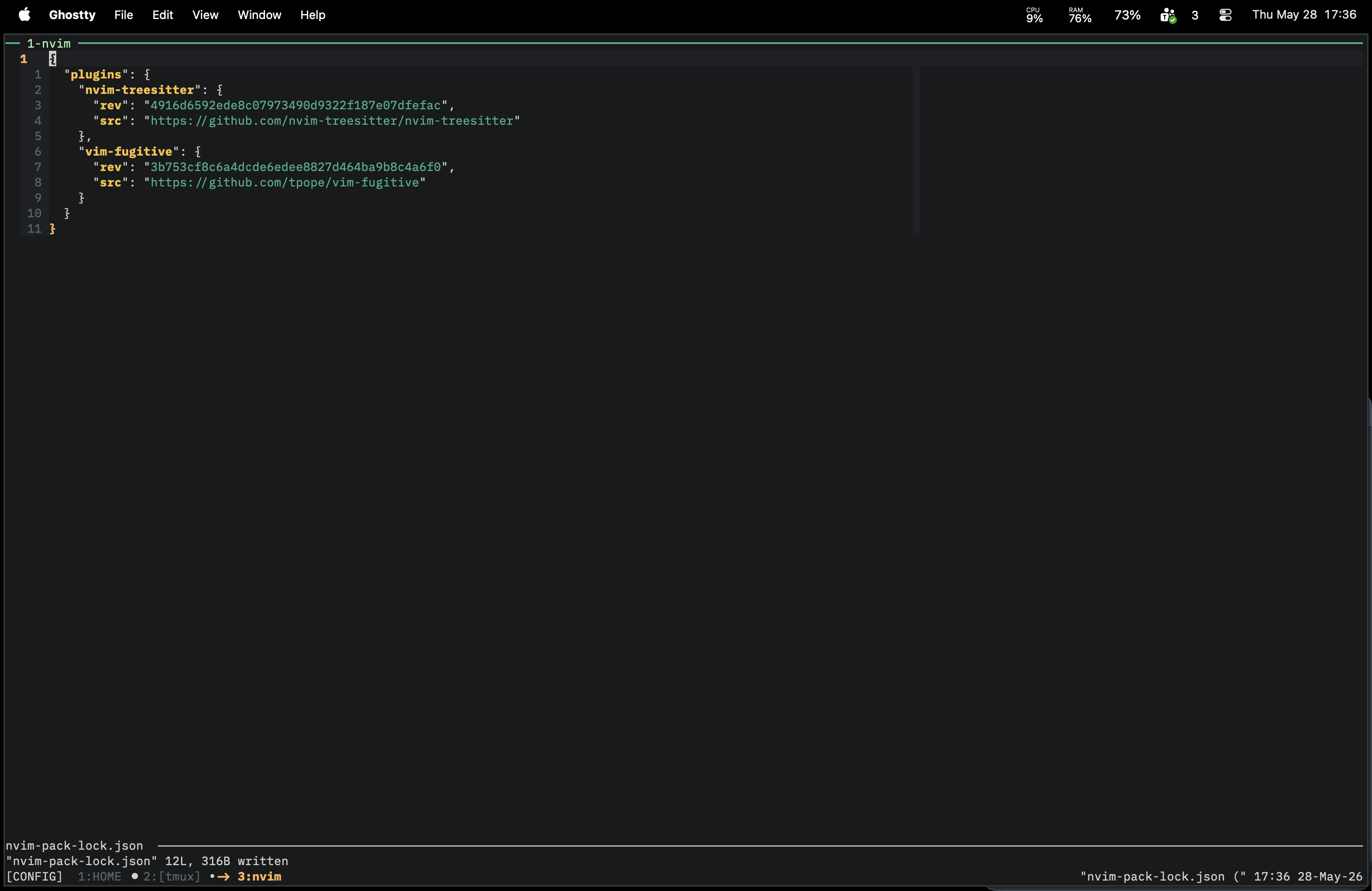
There is no external plugin manager in this setup. I use Neovim's built-in vim.pack to add the plugins directly from Lua.
vim.pack.add({
  { src = 'https://github.com/nvim-treesitter/nvim-treesitter' },
})
And for Git:
vim.pack.add({ 'https://github.com/tpope/vim-fugitive' })
This keeps the configuration very direct. Open the file, see the plugin, understand what it does.
Built-in LSP
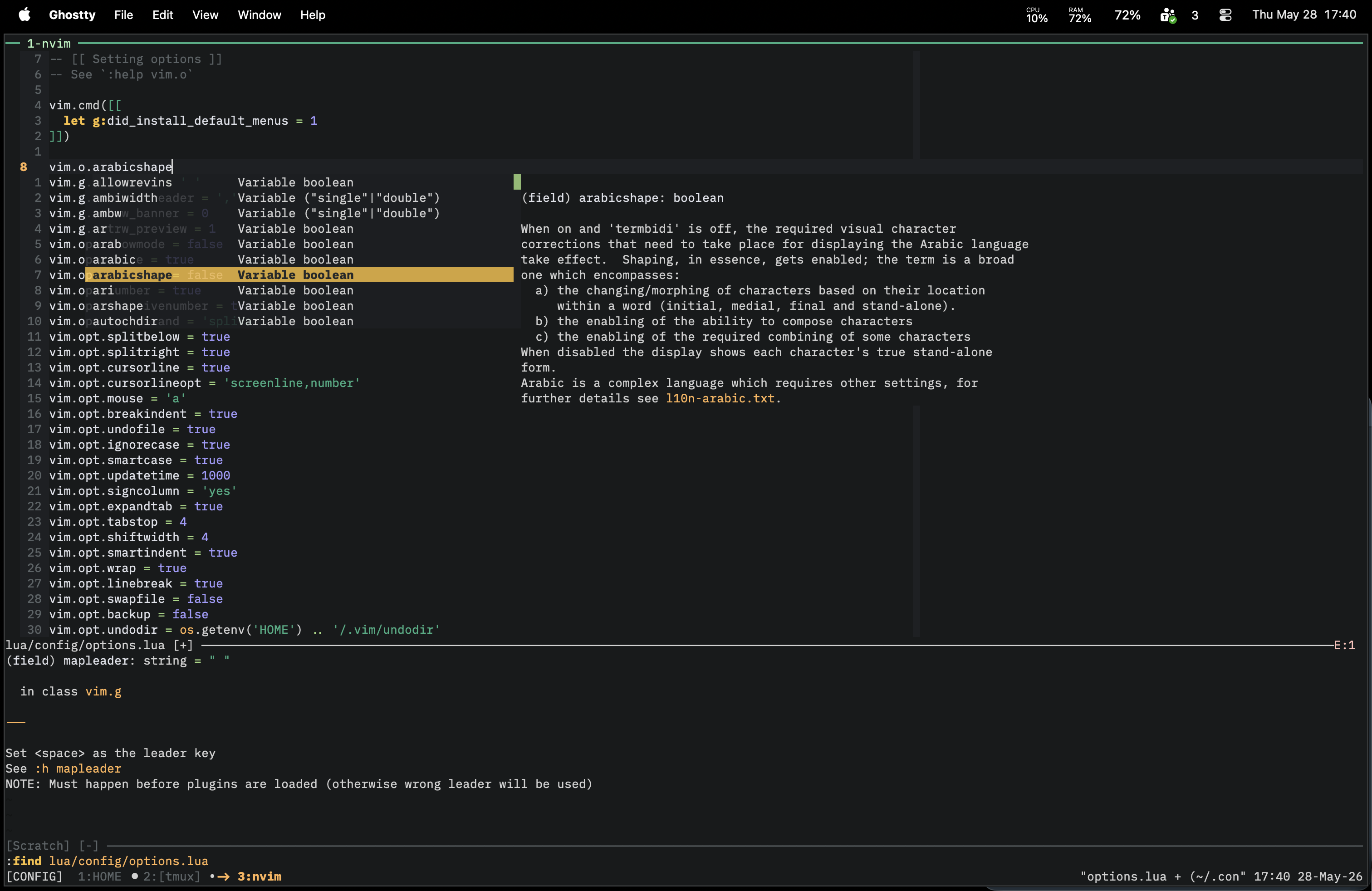
The LSP setup is based on Neovim's built-in LSP client.
I enable the servers I use for my daily work, including Lua, TypeScript, Vue, CSS, PHP, Laravel, Go, Zig, Odin, Elixir, Emmet, and Copilot.
The mappings are simple:
gdgoes to definitiongDgoes to declarationKshows hover information<leader>rnrenames a symbol<leader>fmformats the current buffer
I also use inline completion when the server supports it, with small insert-mode mappings to accept or cycle suggestions.
Treesitter
Treesitter is the only plugin I keep for language parsing.
The config installs the languages I use most:
- Go
- Lua
- TypeScript
- JavaScript
- CSS
- Vim
- PHP
- Vue
- Markdown
- Elixir / HEEx
- Zig
After that, it starts Treesitter automatically for supported filetypes and enables the Treesitter indentation expression.
Git with Fugitive
For Git, I still use Fugitive.
The mappings are intentionally small:
<leader>ggopens Fugitive<leader>gdopens a Git diff<leader>gvopens a diff split
I do not need much more than that most of the time. Fugitive gives me the Git workflow I like without requiring a big UI around it.
Finding Files and Grepping
One of the biggest changes is that I now rely more on built-in commands.
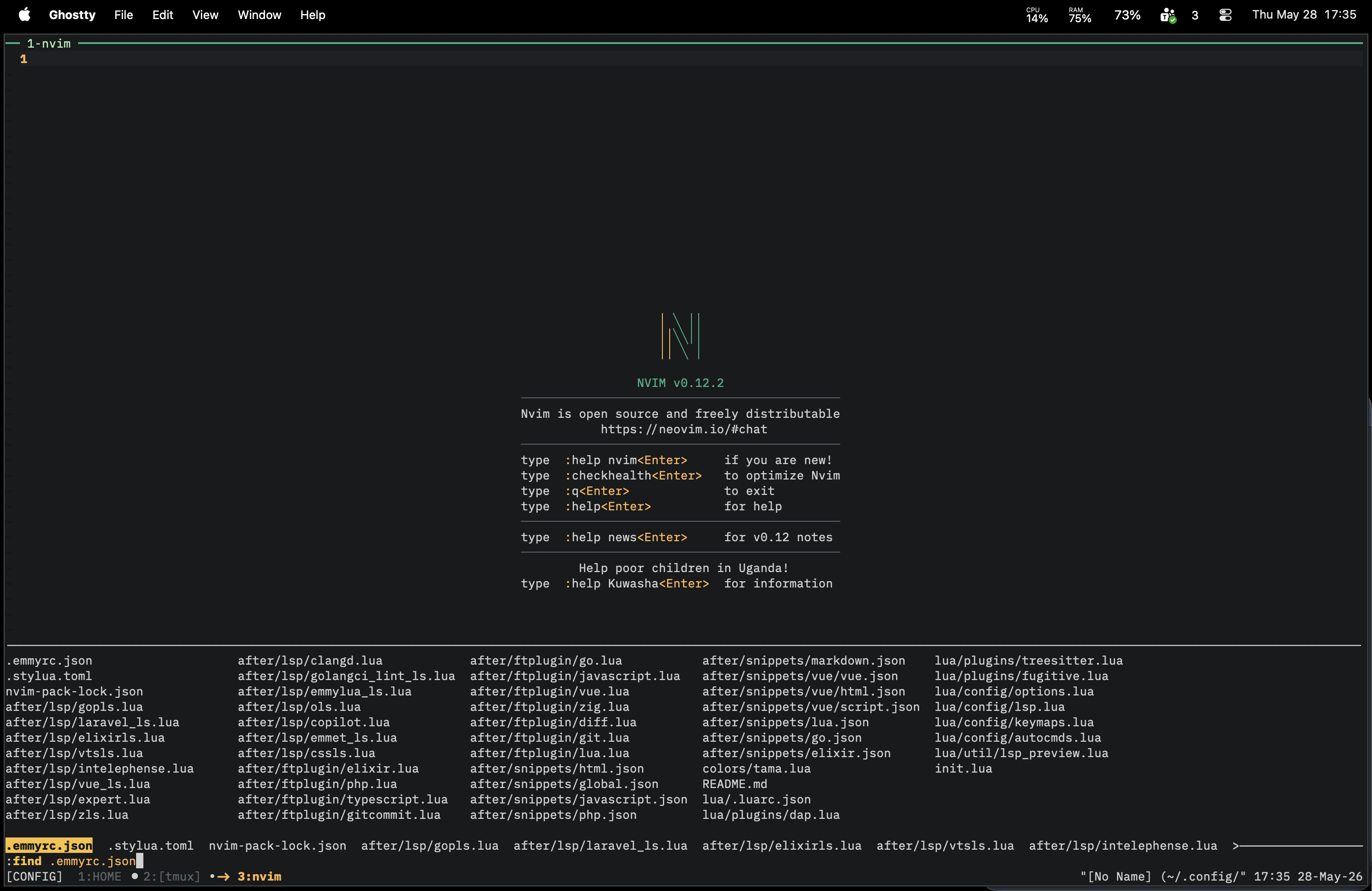
For files, I use :find with ripgrep powering findfunc. That gives me fuzzy file lookup using the files in the project, while still staying inside Neovim's own command-line workflow.
vim.o.findfunc = 'v:lua.RgFindFiles'
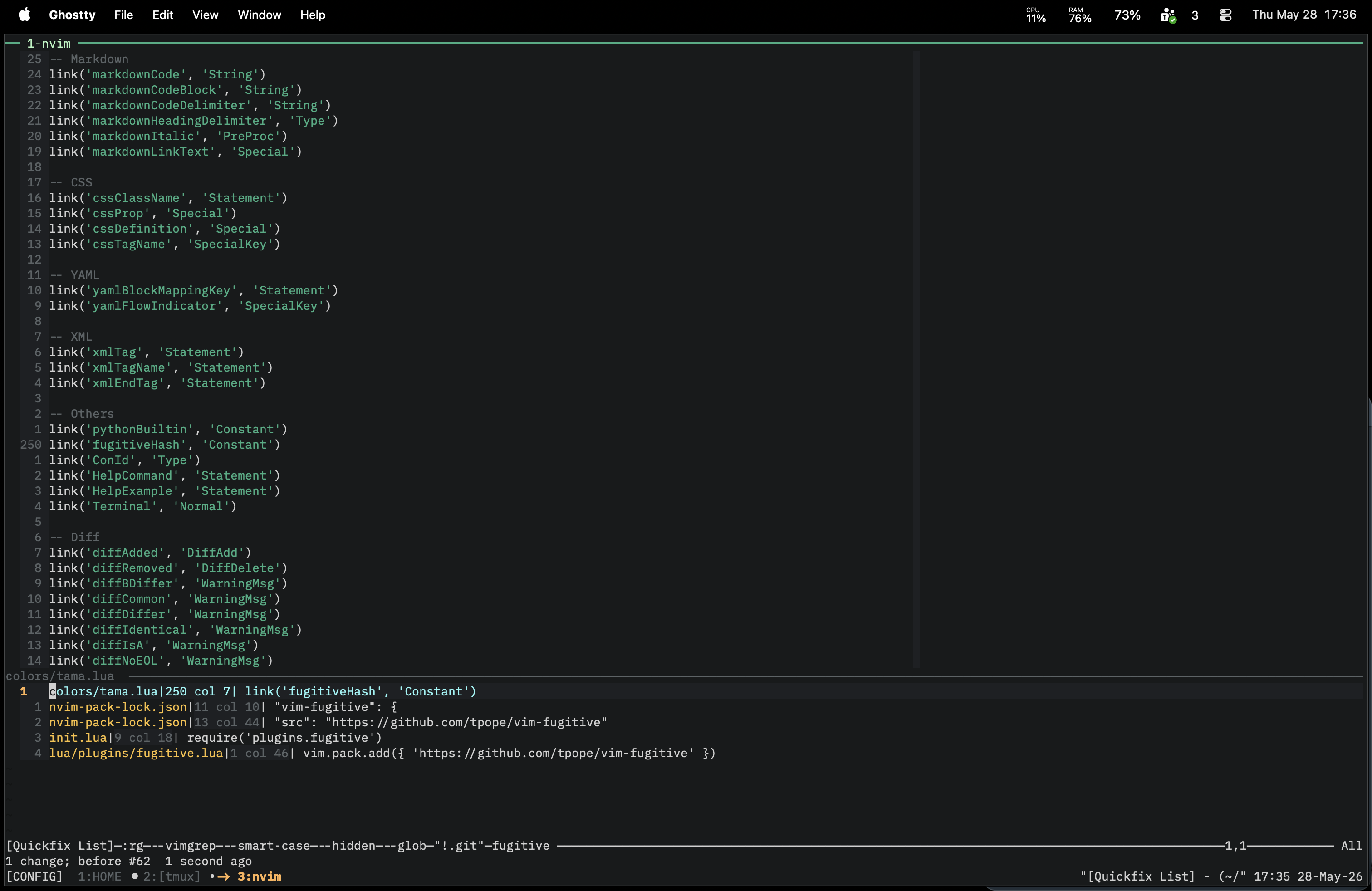
For search, I use :grep with rg:
vim.opt.grepprg = 'rg --vimgrep --smart-case --hidden --glob "!.git"'
vim.opt.grepformat = '%f:%l:%c:%m'
The results go to quickfix, which is already one of the best parts of Vim/Neovim.
Netrw and Terminal
I still keep things simple for files and terminals.
For file browsing, I use netrw with a small keymap:
<C-e>toggles the explorer
For terminals, I use Neovim's built-in terminal:
<leader>Topens a terminal<leader>stopens a small terminal split at the bottom<esc>leaves terminal mode<C-q>closes the terminal job
This is enough for quick commands without leaving the editor.
Custom Colorscheme
Another part of the new setup is my own colorscheme, tama.
It is a dark, high-contrast colorscheme with a small palette and explicit highlight groups for the editor UI, syntax, LSP diagnostics, Treesitter, Markdown, HTML, CSS, diff views, and terminal colors.
I like having the colorscheme inside the config because it is one less dependency and it makes the editor feel more personal.
Filetype Tweaks and Snippets
The config also has small filetype-specific files for the languages I use most:
- Elixir
- Go
- JavaScript / TypeScript
- Lua
- PHP
- Vue
- Zig
- Git and gitcommit
- Diff files
I also keep snippets in the config for common languages like Elixir, Go, HTML, JavaScript, Lua, Markdown, PHP, and Vue.
Again, the idea is not to build a huge framework. It is just enough customization to make daily work faster.
Why This Version Is Better for Me
This config is easier to maintain than my old one.
There are fewer plugins, fewer abstractions, and fewer decisions hidden behind someone else's defaults. When something changes, I know where to look. When something breaks, there are only a few files involved.
I also like that this setup follows Neovim's direction. The editor itself now provides many of the things I used to install plugins for, so it makes sense to remove dependencies and use the built-in tools.